N00b here, having trouble getting started - getting strange answer to hello

I’m just starting to learn about this

I installed the heatsink, installed the MX3 twice – once in PCIe X1 adapter, once in a PCIe X4 adapter, both with the VPN on & off (it shuts down TCP sockets at powerup), and every time I get an identical response:

After that, nothing else works.

I’ve looked at the threads about other startup problems, referring to RPi5s & Ubuntu. But I’m operating under Windows, & I’m not familiar with the syntax on these others.

I’m 72 now & was a senior systems writer (including custom circuit specification, ROM-BIOSes, real-time systems, device drivers, utilities, apps, & mil-spec documentation) back in the 70s & 80s. I was a Z-80 expert, also working with 8080/85s, HD64180s, 6502/6800/6809s, V20s, & 8/16-bit x86 processors, with both hardware & software emulators. The most advanced software I worked with professionally were MP/M, CCP/M, PC/MS-DOS, QNX, various assemblers / disassemblers, Basic, Pascal, & C. Then the late 80s happened, and America decided they didn’t need American systems engineers anymore – they could hire them for 5 cents on the dollar (50% susidized by the U.S. government) from Afghanistan and India, so even if the job had to be done over 35 times before they got it right, they were still saving money over me getting right the 1st time out. That was the era of “Real Soon Now” and a lot of vaporware.

I was already a dinosaur in my early 30s.

I haven’t lost my hobbyist interests over the years. I dove in over my head with this one though. And I have no idea how to deal with it. Although I get the gist of the explanations of similar problems in the RPi5s and Ubuntu systems, I am clueless as to how to apply the examples under Windows.

I tried to run the MX3 emulator, and it cannot find any of the related files … I’m beginning to suspect the software didn’t load properly. But I uninstalled it & re-installed it 3 more times … same result.

Halp …

I asked Copilot. Is this answer I got true? Is the MXA incompatible with Windows?

(This is what we’re looking at)

To the right is where the MX3 is installed – a souped-up x64 Windows 10 Dell 7050 (i7-7700 @ 3.6gHz, 64gb RAM, 2tb NVMe boot drive/multi partition, 9tb 7200rpm spinning rust data drive/multi-partition, Blu-Ray-writer, Radeon RX-580 video card w/8gb DDR5 & 6 HDMI (max 6 screens @4K, 3 monitors here, rest duplicated in another room), webcam, 3 Logitech K400+ wireless keyboard/touchpad combos, highspeed wifi to a 500 mbps router/modem on fibre, & an upgraded ps 220w → 360w), It is atop a networked x86 Windows 7 Dell 7040 (i7-6700 @ 3.4gHz, 16gb RAM, 128gb NVMe boot drive/single partition, 512gb 7200rpm spinning rust data drive/multi-partition, DVD-writer, NVidia GTX-750ti w/2gb DDR3, 3 HDMI off the DP port, & a DVI-I (max 3 screens @ 1080p plus 1 @ 4K, sharing 4 monitors with the 7050; HDMI port inactive), also 3 keyboards - Logitech K400+, Logitech K400r, & Artech wireless keyboard/touchpad combos; older wifi & regular 220w ps. The 7040 inherits everything that comes out of the 7050 during upgrades.

Each of them have an NVMe M.2 slot already populated with the boot drives, so I have to use M.2 adapters in the PCIe 3.0 slots. The 7050 motherboard does NOT support PCIe bus bifurcation. Its slots are:

(1) PCIe 3.0, X1, unpopulated & available

(2) PCIe 3.0, X16, populated with the Radeon RX-580, double-slot sized

(3) Legacy PCI, unpopulated, inaccessible, covered by Radeon RX-580

(4) PCIe 3.0, X4 wiring (in an X16 physical connector), unpopulated & available

(5) NVMe M.2, X4, populated with the 2tb NVMe boot drive

I have a single-M.2 adapter for the X4 slot, and a double-M.2 adapter for the X1 slot. The MXA is recognized in either one, but I have never gotten it running to be able to do any benchmarking. I did quite a bit of comparison shopping beforehand; I found any board using the any of the ASM2806 / ASM2812 / ASM2824 mux (switch) chips to be unreliable for Windows machines, & have steered clear of them – greater than 7% failure rates are unacceptable to me, and I’ve seen where those chips run 19%-49% failure rates in Windows machine environments. So my X4 adapter is a plain vanilla passthru, and the X1 adapter muxes all 4 or 8 PCIe lanes down to one & simply works.

So, now that the environment is stated explicitly, do I HAVE to install a Linux environment on my machine to make the MXA work on my Windows machine, or is there something correctible (that I’m not doing right) to make the complete SDK load and run properly?

Hello @Aragon476 ,

Thanks for experimenting with the MX3 Module!

MemryX Runtime does have native Windows support, but you will still need WSL to use other MemryX tools such as the compiler and simulator. The Python runtime is not supported on native Windows at the moment.
You can find more information about the SDK components and platform support here: Install Software — MemryX Developer Hub

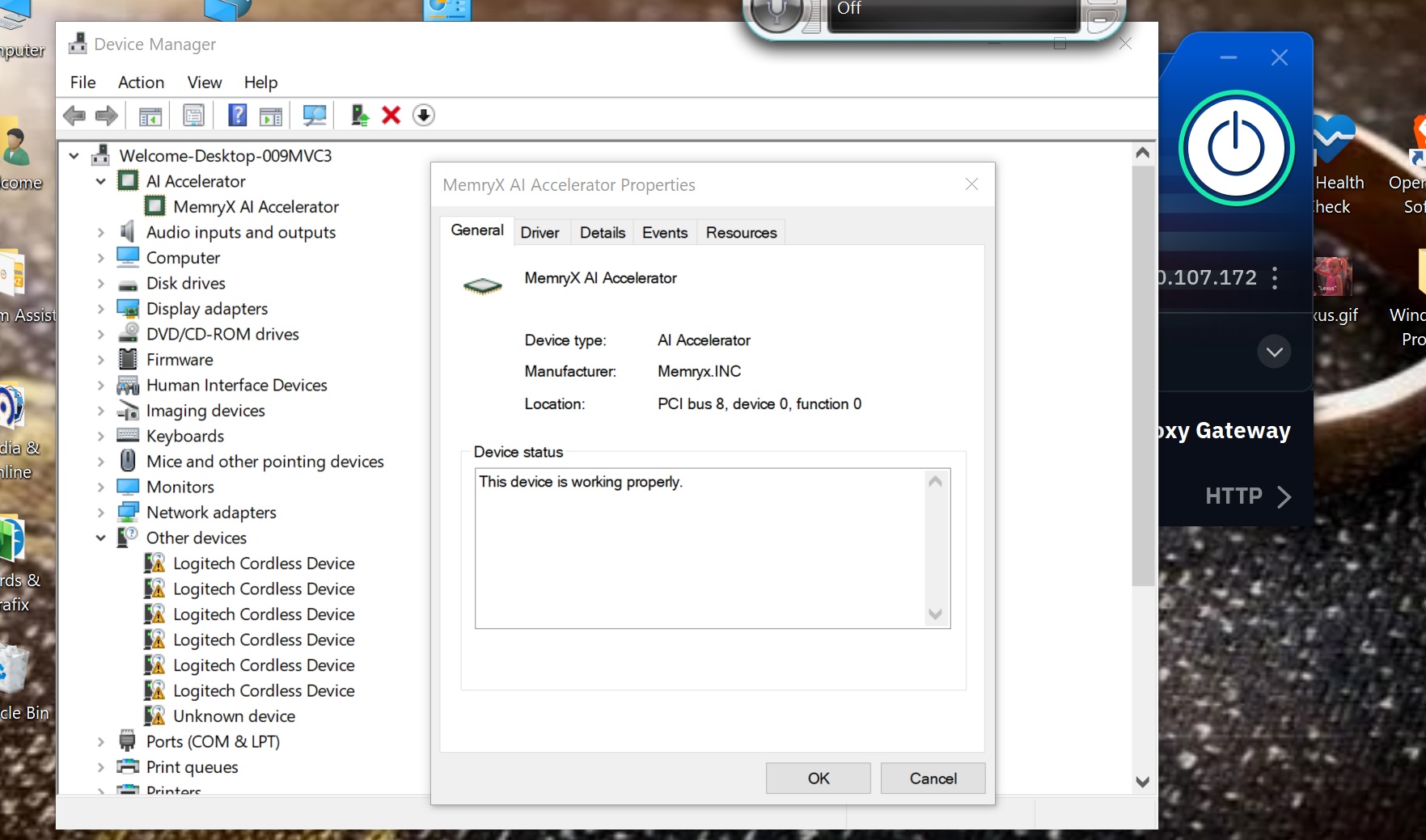
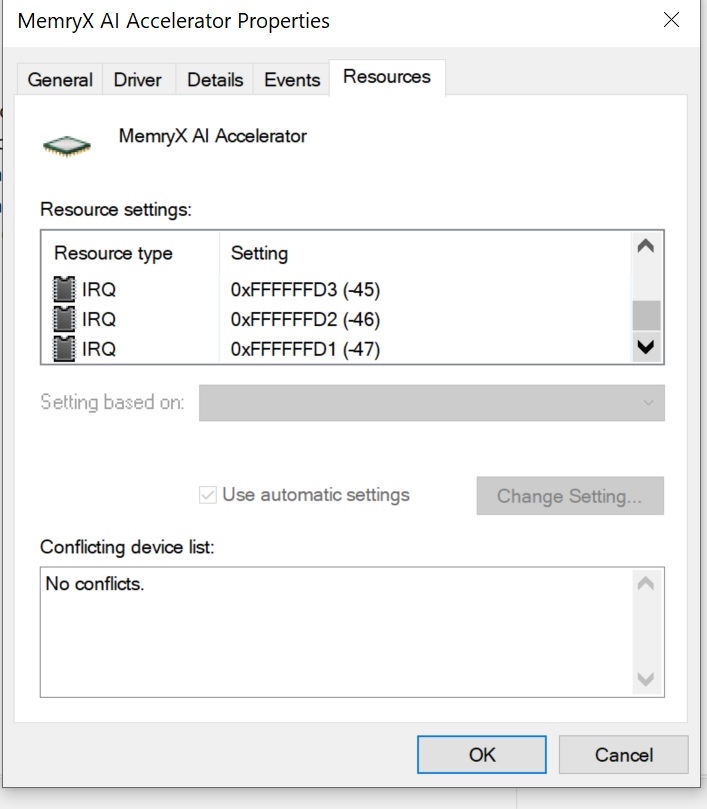
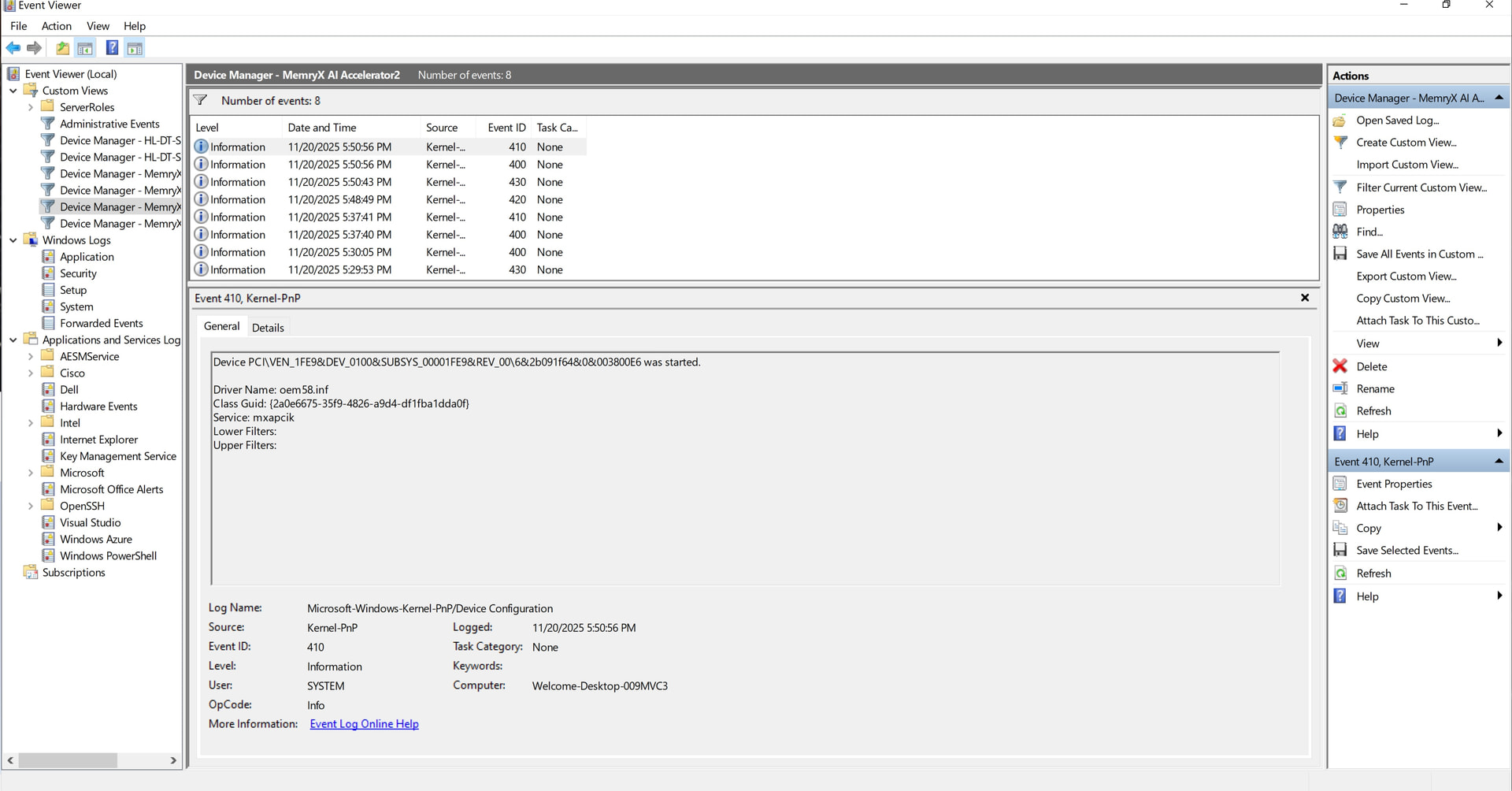
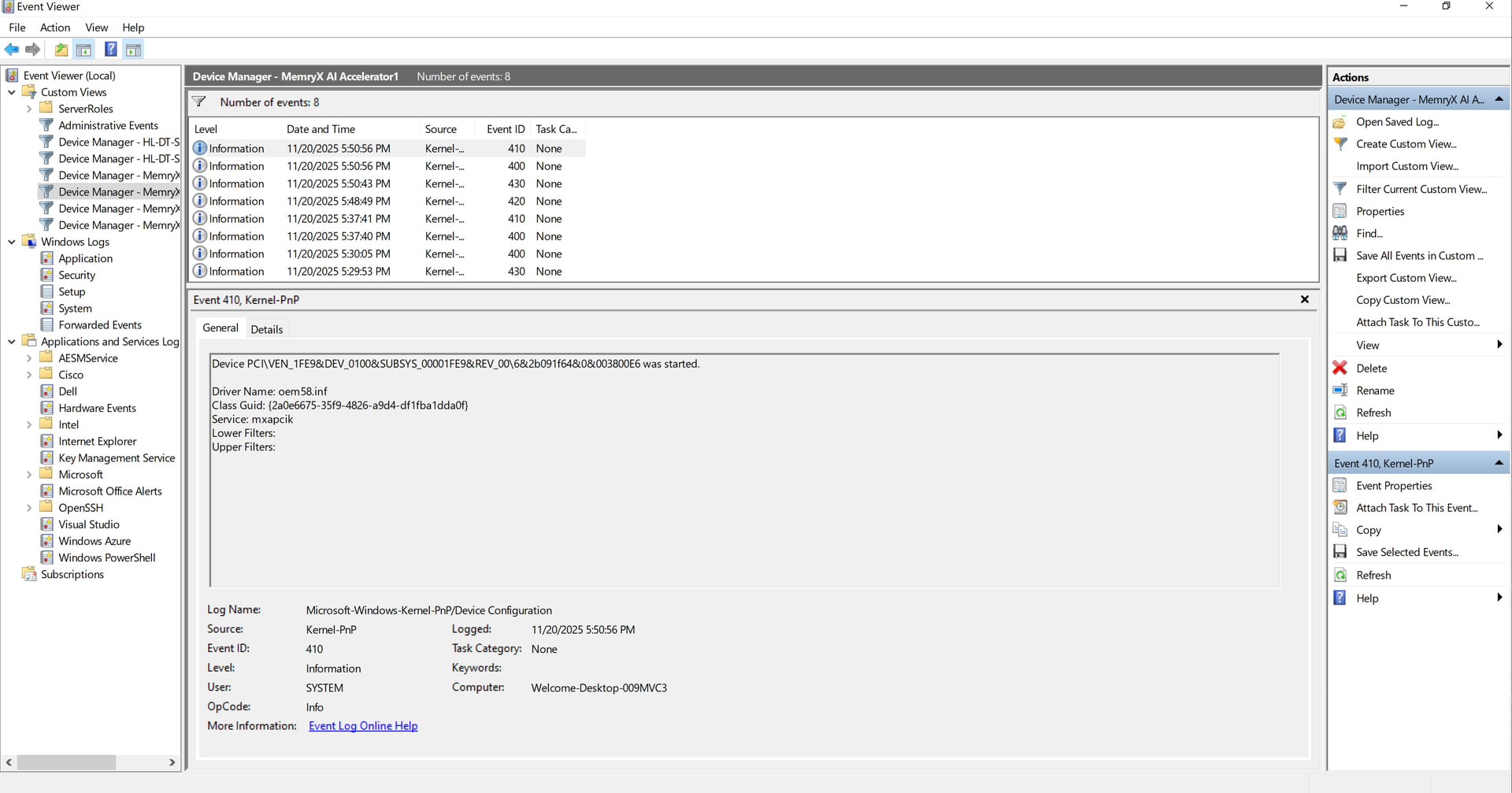
From the screenshots you shared, it looks like the device booted correctly and enumerated, which means the Windows runtime libraries (mxa-drivers, mxa-manager, and memx-accl) were installed properly.

Could you please confirm whether the device firmware has been updated to the latest release?
If not, please follow the firmware update steps for Windows here: Install Runtime (Windows) — MemryX Developer Hub

After updating, please restart the system.

Once rebooted, please check if you are able to run the benchmark on the MobileNet DFP by following the steps here:
https://developer.memryx.com/get_started/hello_mxa.html#deploy-and-benchmark

If you’re still running into errors after that, please provide more details, ideally including a screenshot of the device properties → Driver tab for the module.

Confirmed: firmware updated to latest version.